A · Create from scratch
Start with an idea. Design with intelligence.
Describe the interface you need and build it on a real canvas, guided by applicable UX knowledge.
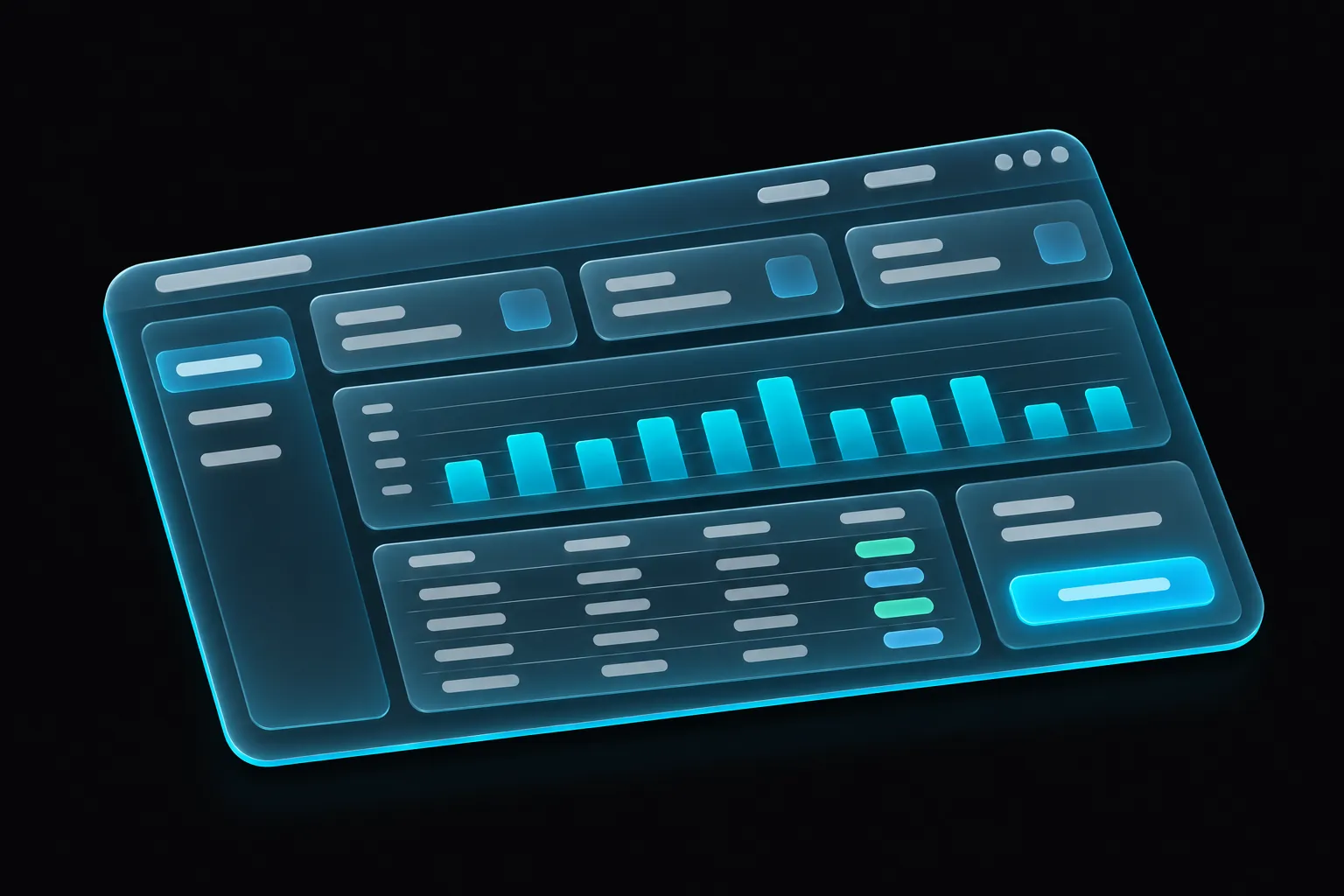
“Create a modern B2B SaaS dashboard following professional UX best practices.”
AI-native design, UX & prototyping studio · Coming soon
Create interfaces, improve existing screens and websites with AI guided by a curated UI/UX knowledge base, and bring every interaction to life, on Mac and Windows.
Built forWindowsmacOS
Foundation
today
Three ways in
Begin with an idea, an old screen or a live website. ConqrCraft is designed to take each one to a better, editable interface.
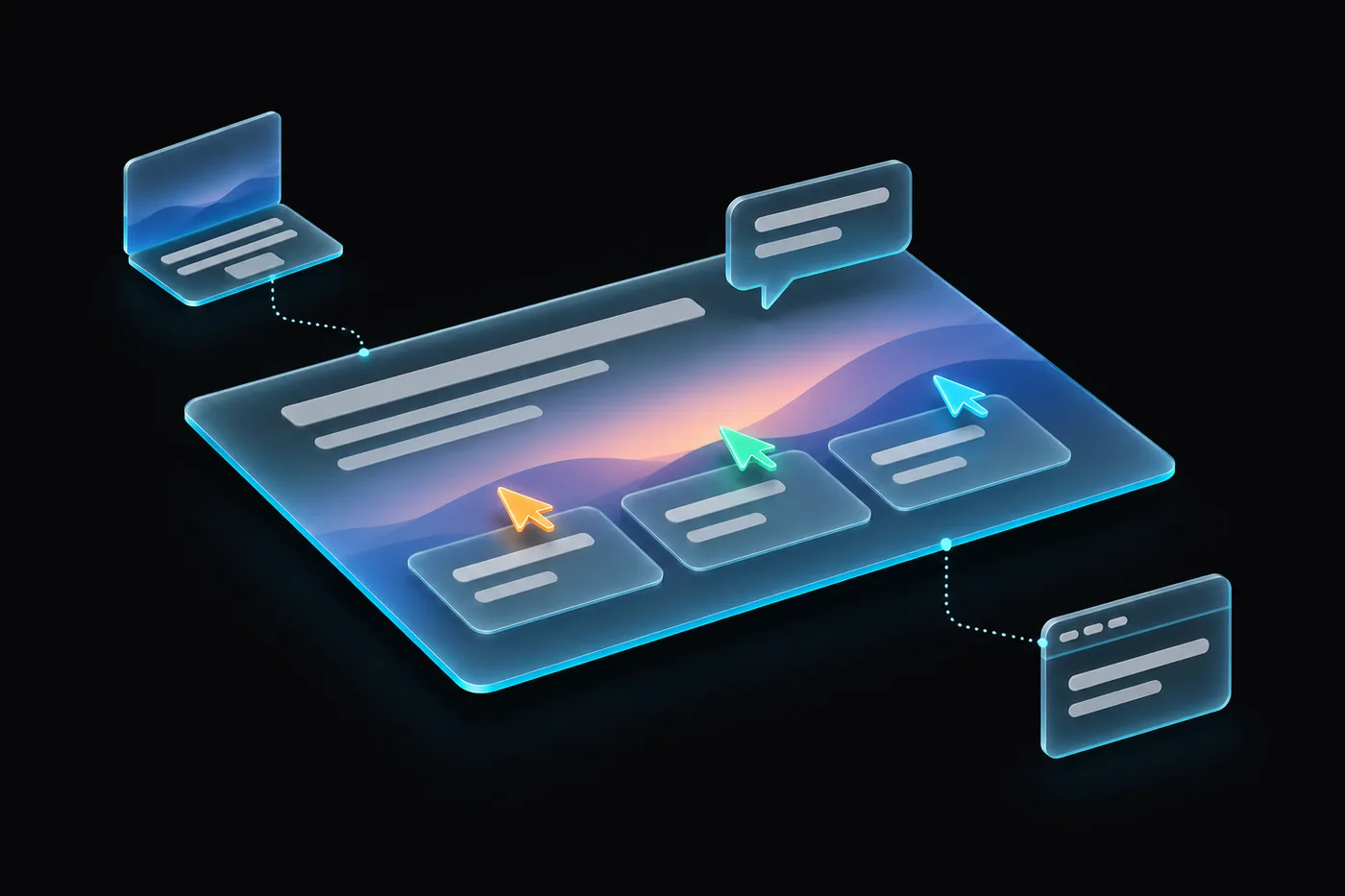
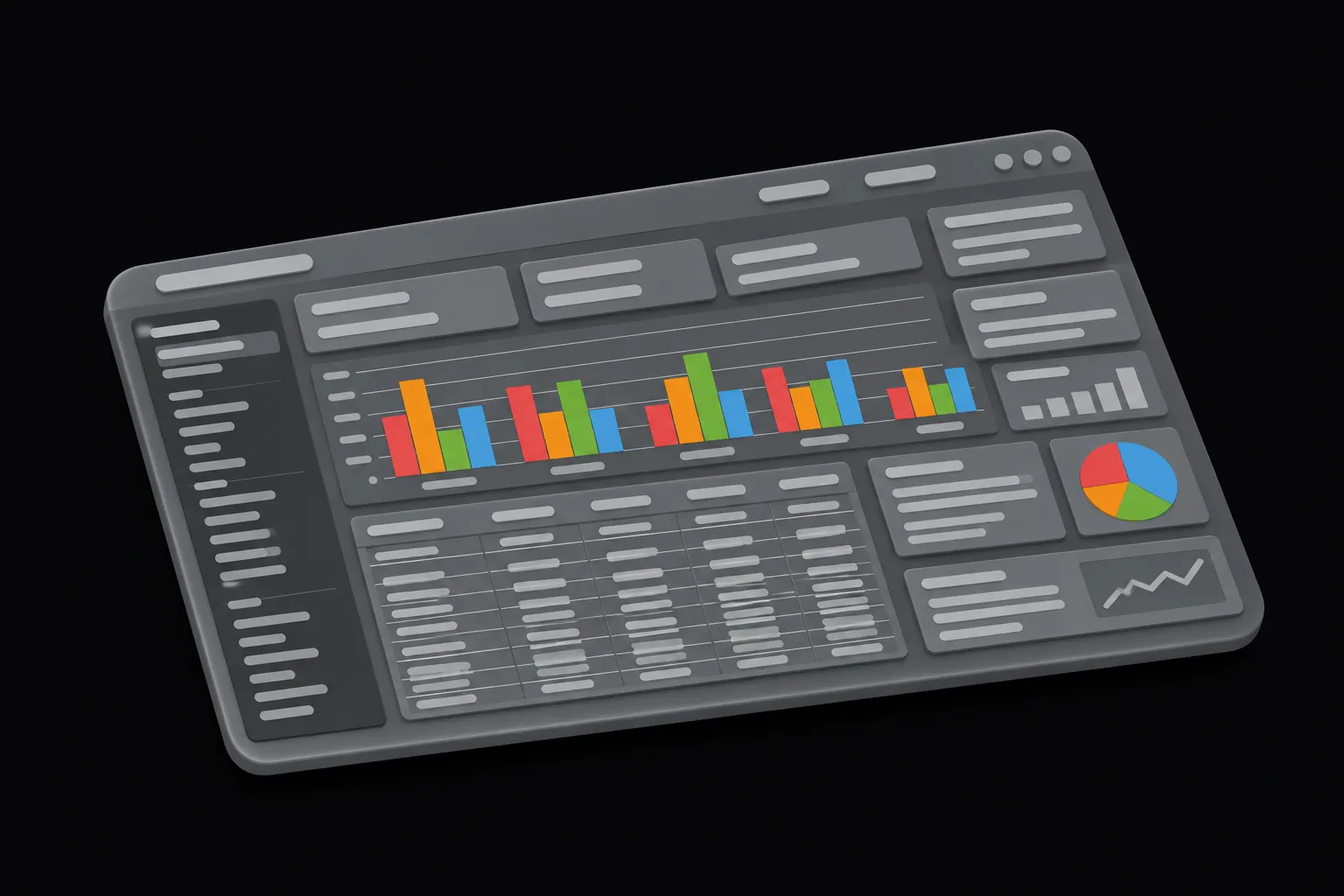
A · Create from scratch
Describe the interface you need and build it on a real canvas, guided by applicable UX knowledge.
“Create a modern B2B SaaS dashboard following professional UX best practices.”
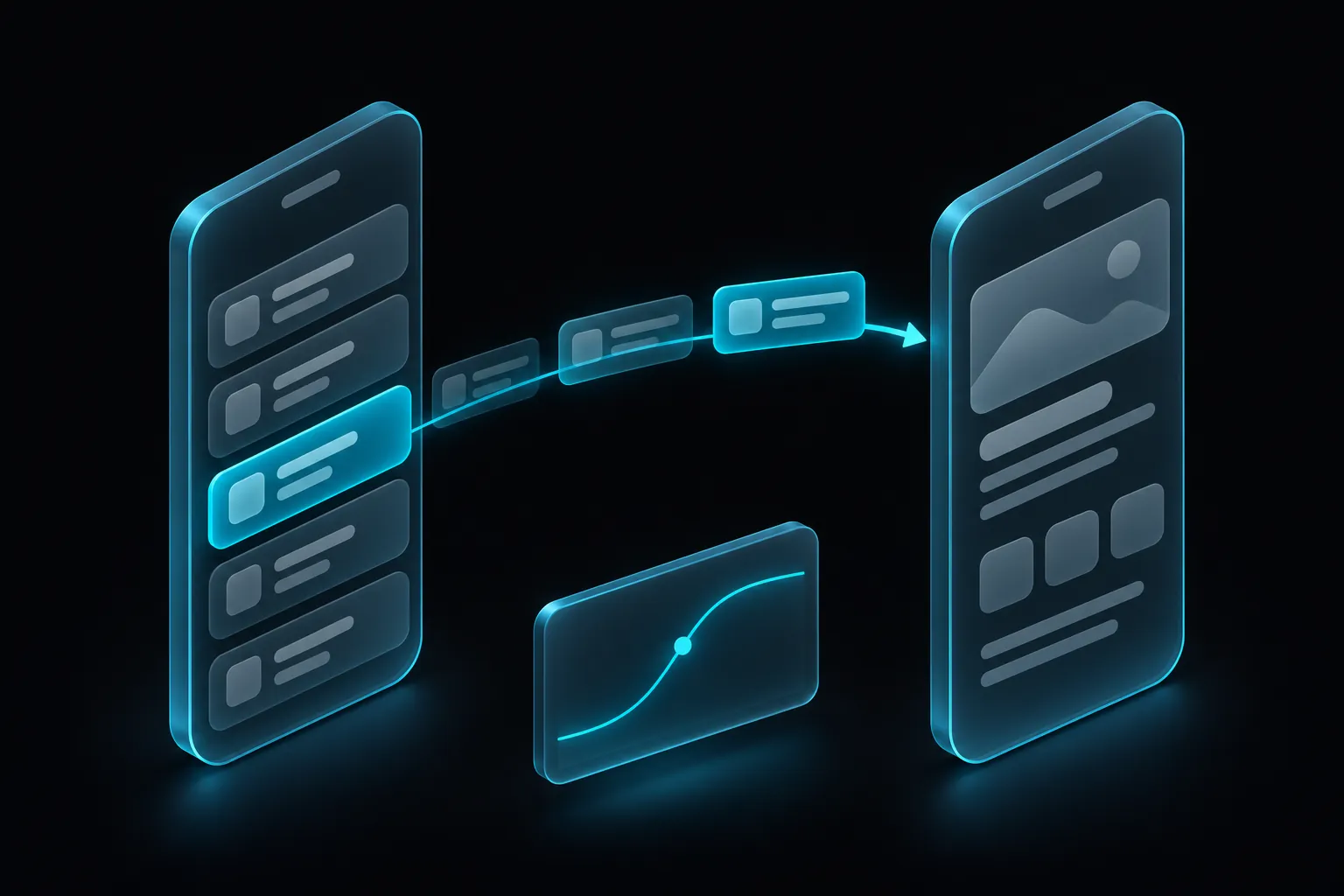
B · Improve an existing screen
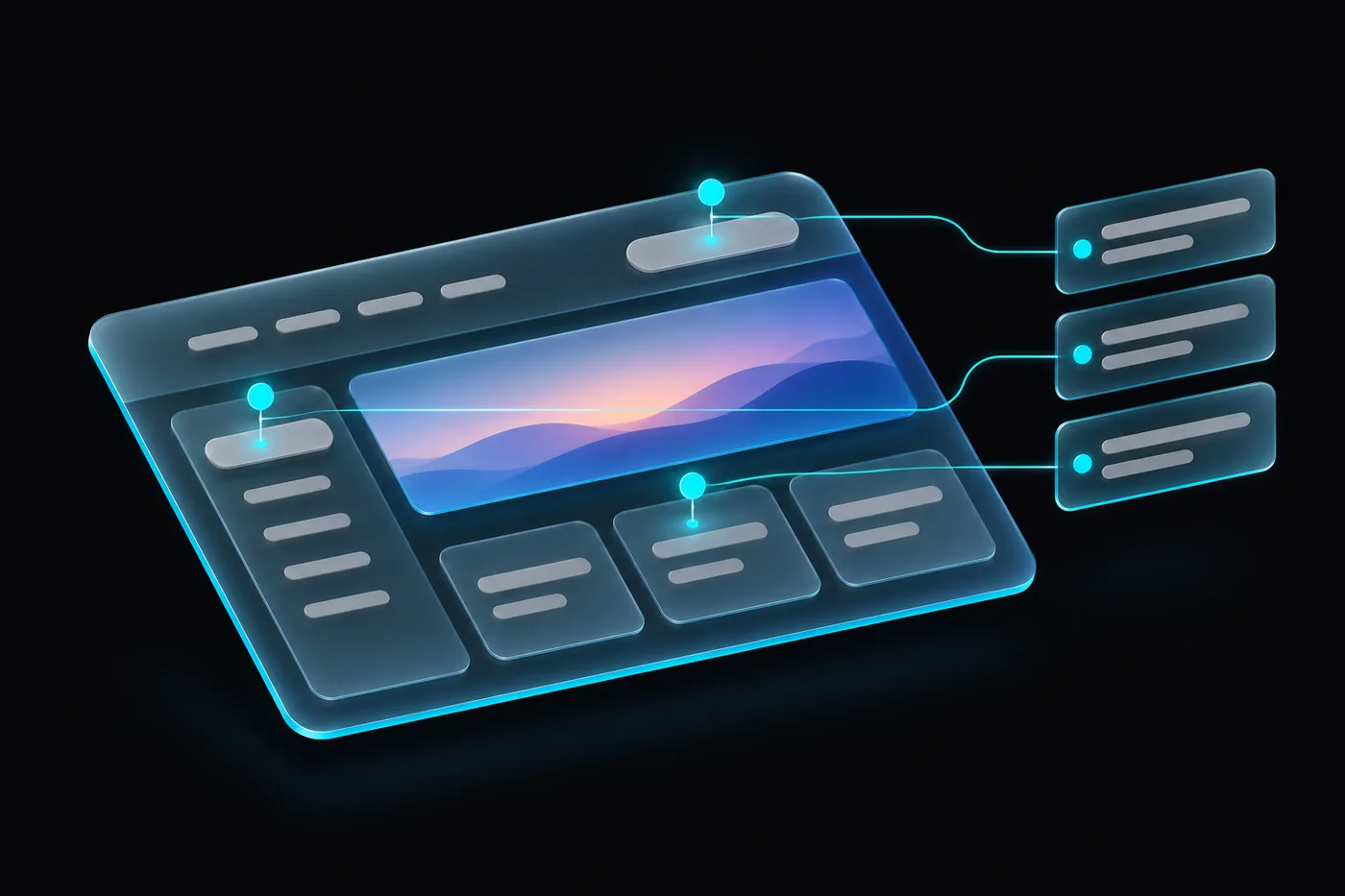
Bring your existing screen. Discover what could work better. Turn expert-informed recommendations into a refined, editable design.
“Improve this login screen using modern UX best practices.”
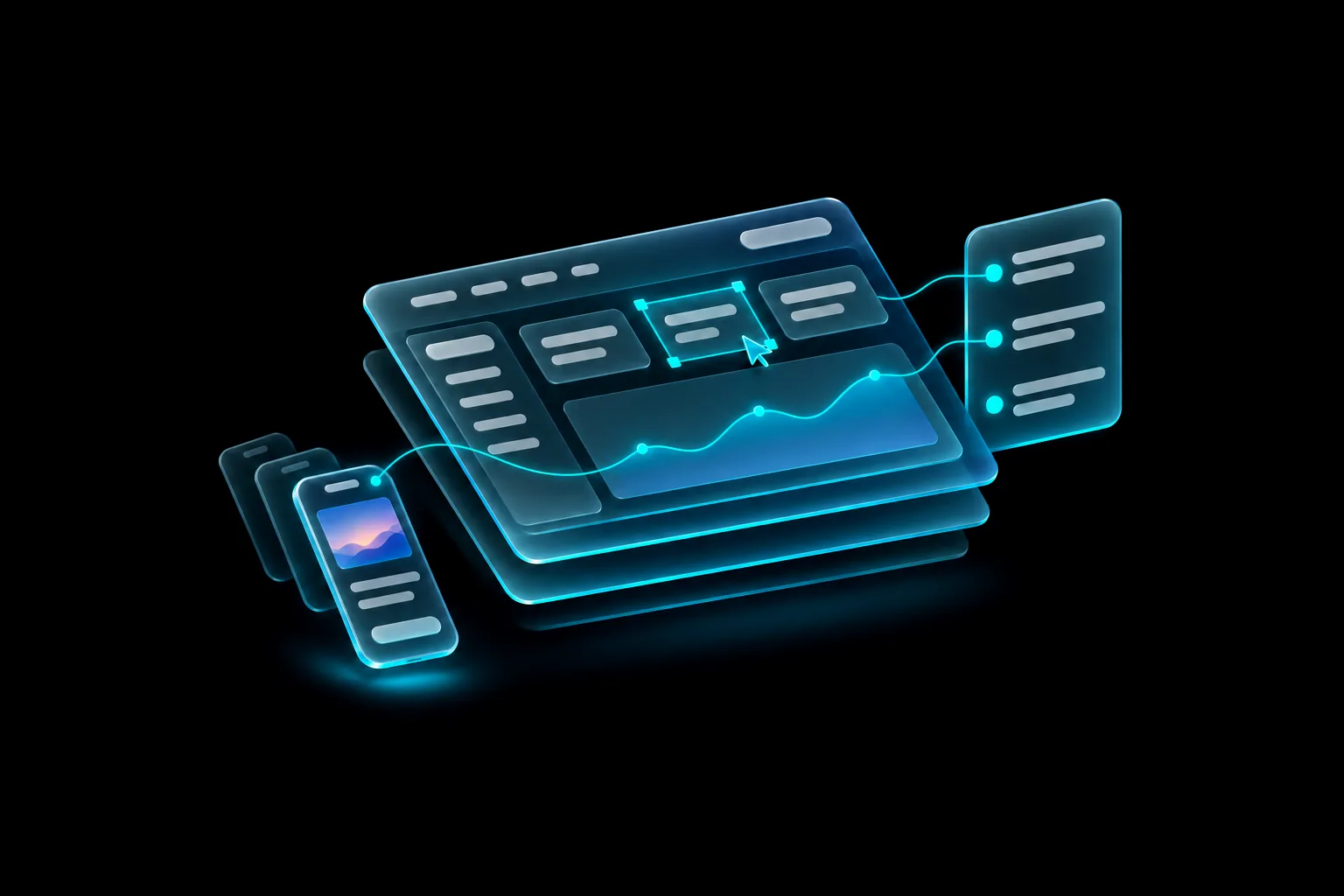
C · Import & improve a website
Import an existing website, uncover opportunities to improve usability, and evolve its interface with AI-assisted design.
“Import my website, identify the most important UX problems, and redesign the landing page.”
Before & after
See how a few thoughtful design decisions can transform an interface. Review what’s working, discover what isn’t, and explore an improved alternative.

Illustrative concept with a fictional product, not the output of a completed analysis.
Knowledge-powered UX review
Go beyond generic AI suggestions. Explore design improvements connected to relevant UI/UX principles and see how they can shape a better interface.
Current plan
Billing email
Company address
Billing settings · 3 findings · sorted by priority
The primary action competes with secondary actions.
→ Increase the prominence of the main action and reduce competing emphasis.
UX KB › 11 · Visual Hierarchy, Scannability & First Impressions
“Make important actions distinct without making every action compete.” Heuristic
Related navigation items are distributed across different areas.
→ Group related destinations and strengthen navigation labels.
UX KB › 07 · Information Architecture & Navigation
“Group by task and meaning. Separate destinations from actions.” Convention
Similar controls use different spacing and corner treatments.
→ Standardize component tokens and reuse shared patterns.
UX KB › 17 · Design Systems & Component Governance
“Reuse semantics, not visual resemblance.” Heuristic
Design decisions backed by knowledge, not guesswork.
Illustrative example with a fictional product. Chapter titles and quotes come from the ConqrAI UX Design Knowledge Base (v2.0); ConqrCraft’s connection to it is planned. Heuristic review supports, and does not replace, accessibility testing and research with real users.
Website import
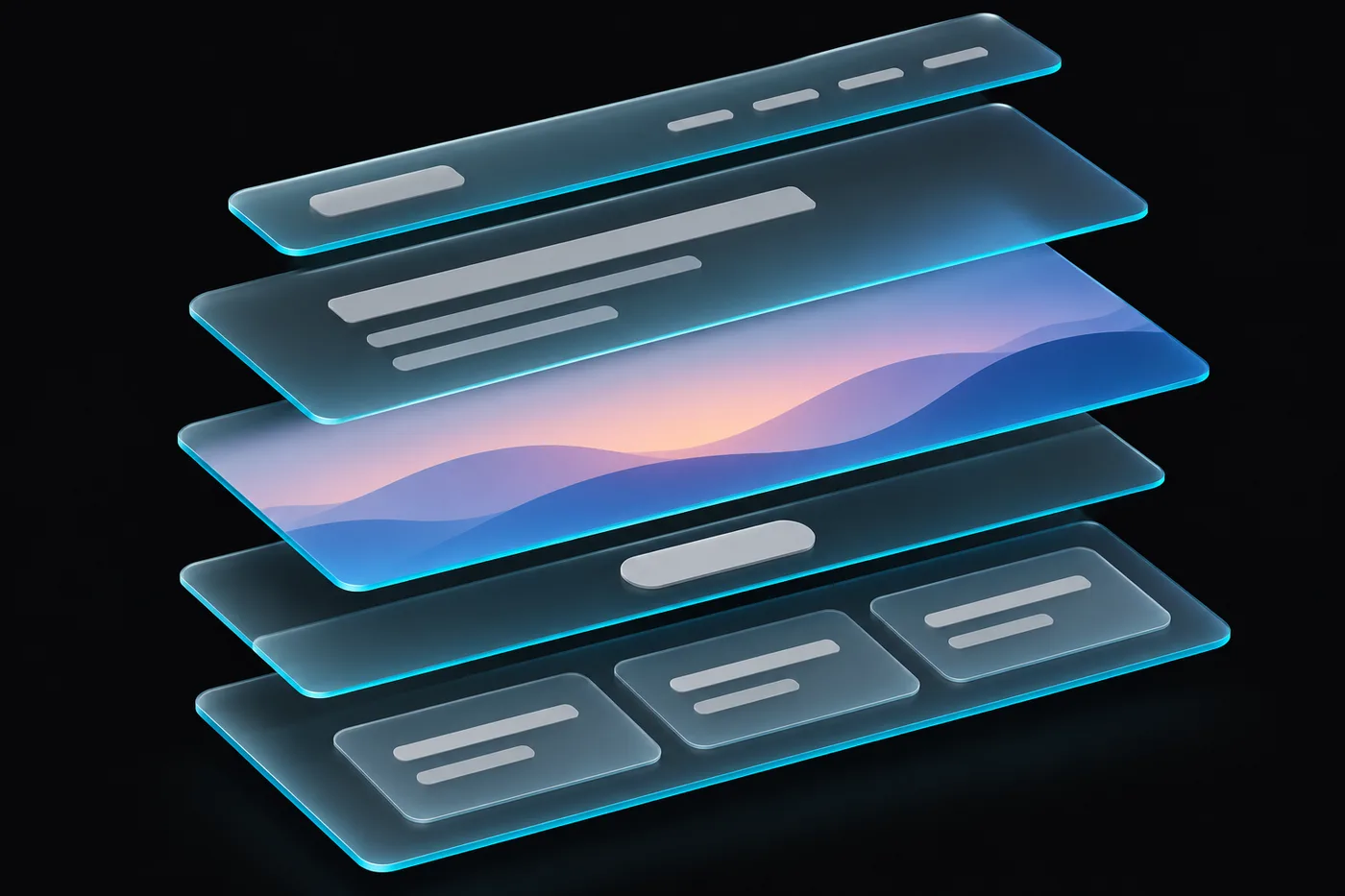
Start with inspiration, not a blank canvas. Bring a website’s visual structure into your editor as editable layers, then review and improve it with AI.

<header>Frame<h1>Text<a.button>Component<img>Image<section.features>Frame + 3 cards
Illustration of a planned workflow. Import fidelity will depend on the page and on the elements ConqrCraft supports.
Native AI chat
Describe what you want in natural language. Let your AI agent work directly with your design tools while you remain in control.
01 · You ask
Create a pricing section with three plans, reusable components and accessible spacing.
I’ll build one Plan card component, place three instances and use your type and colour styles.
Make the middle plan stand out.
02 · The agent works
inspect_documentRead the page, styles and tokenscreate_nodeFrame “Pricing”, 1200 wideset_propertiesVertical layout, gap 24component.create“Plan card” componentinstance.createStarter, Team, StudioscreenshotCheck the result03 · Your canvas changes
Fictional product “Orbit”
Concept demonstration. The planned integration connects to your own eligible Claude Code installation; provider access and usage terms apply separately. Tool names shown are real FigCraft MCP tools.
How it works
Design input, UX analysis, knowledge-based guidance and an improved editable design: one continuous flow, with you reviewing every step.
Upload a screen, open an editable file, or import a website.
Analyze the visible interface and identify usability concerns and improvement opportunities.
Connect observations to relevant design guidance, standards, and best practices.
Generate proposed changes, inspect the result, and refine it on the editable canvas.
Planned workflow. Every proposed change stays reviewable before it is applied, and undoable after.
Six pillars
Six capabilities in one connected workspace: design, improve, import, automate, animate and share.

Analyze and improve designs with recommendations grounded in the ConqrAI UX Design Knowledge Base, each with a reason you can read.

Professional editing with layers, vector tools, components, auto layout and design variables.

Capture supported structures from an existing website and keep designing on real, editable layers.

Claude Code and MCP turn plain-language requests into real design operations you review and approve.

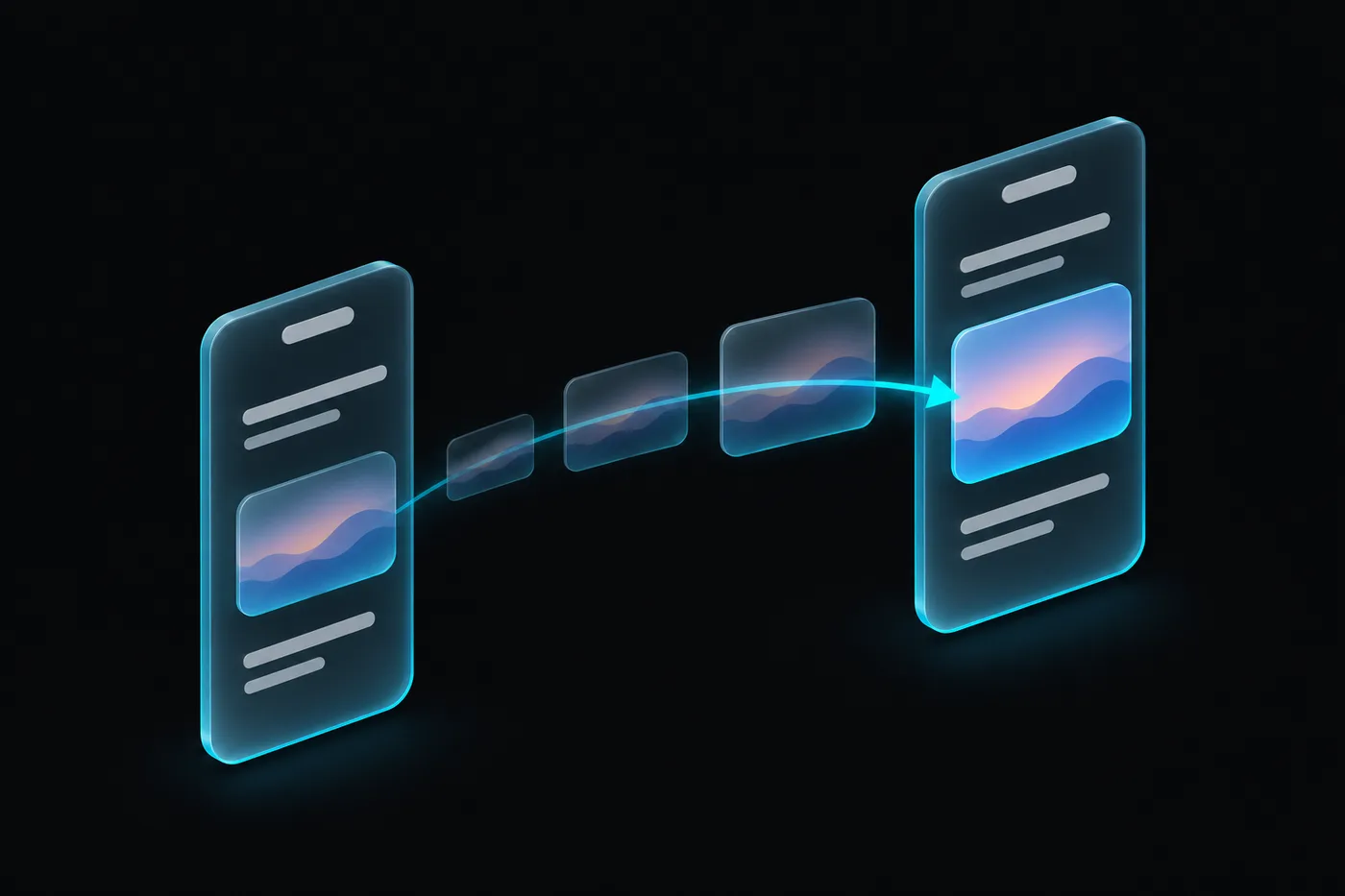
Smart Animate, interactive components, transitions, easing and springs, presented as clickable flows.

Design locally on Windows or macOS, then share through cloud projects, browser review and comments.
Motion & prototyping
Explore interactive flows, smooth transitions, component states, and realistic prototypes, all within your design workflow.

Try a component state machine
Hover, press and click. This demo button walks through Default, Hover, Pressed, Loading and Success. It does not sign you up.
Built with the prototyping engine ConqrCraft inherits from FigCraft. A motion timeline, video export and AI motion suggestions are future ideas.
Design systems
Give your team a shared visual language. Organize colors, typography, spacing, and components so every design feels connected.
Colour
#0B0B0C
Graphite#17191D
Surface#272C33
Muted#8C96A3
Light#F5F7F9
Conqr Cyan#00C2FF
Type
Montserrat ExtraBold · 64Montserrat Bold · 40Inter Regular · 16Mono · 12Spacing · 8-point
Components
Desktop + cloud
Edit locally in a native app. When you’re ready, share through optional cloud projects, with teammates on desktop and clients in the browser.
Who it’s for
Five ways of working, one shared canvas.
UX/UI designers
Review screens, explore improvement ideas, and validate decisions against available best-practice guidance.
Instead of waiting for the next critique, get structured feedback while you work.
Developers
Import existing application screens and explore UX improvements on an editable canvas, or bring your own agent through MCP.
Instead of rebuilding a screen from scratch, improve the one you have.
Startups & product teams
Modernize existing product interfaces without losing their core meaning, and keep everyone aligned.
Instead of chasing feedback across threads, review it on the design.
Agencies & consultants
Analyze client interfaces, create before-and-after concepts, and explain every recommendation.
Teams with legacy software
Propose cleaner, more usable interfaces for legacy dashboards, portals and internal tools.
Capabilities
What the FigCraft foundation already does today, and what ConqrCraft is building next.
Statuses describe the product’s direction and may change. Foundation features come from the open-source FigCraft engine ConqrCraft builds on.
Local-first
Design on your own machine, without signing in for basic work. Bring in the cloud only when you choose to share.
Optional
Off · stays on this device
A professional design environment built for Windows and macOS, with cloud-connected workflows when you need them.
Installers will appear here once verified releases are available.
Roadmap
No dates yet, just the order we’re building in.
Native design editing, core canvas, branding and platform releases.
Claude Code integration, agent-driven design and knowledge-grounded UX review.
Structured website-to-editable-design workflows.
Accounts, workspaces, sharing and collaborative sessions.
Motion timeline, advanced team functionality and subscriptions.
FAQ
Straight answers about what exists today and what’s planned.
Windows and macOS are both planned target platforms.
The product is planned to support local design work without an account. Cloud features will require you to sign in.
Website-to-editable-design import is a planned feature. Fidelity will depend on the web page and on the design elements that are supported.
ConqrCraft is a distinct product built on the open-source FigCraft foundation, with its own branding, AI and collaboration capabilities.
The planned integration connects to your own eligible local Claude Code installation. Provider access and usage requirements are separate.
Browser-based sharing and review are part of the cloud collaboration roadmap.
Free local editing is part of the product vision. Final plans and pricing will be announced later.
The planned workflow will help you analyze existing interfaces and create proposed improvements based on relevant UI/UX guidance.
Screenshot-based analysis and reconstruction are part of the product vision. Editable reconstruction may require approximation and further refinement.
The planned website import workflow will convert supported webpage elements into editable designs that can then be analyzed and improved.
ConqrCraft aims to ground recommendations in the ConqrAI UX Design Knowledge Base, explain the relevant principle, and show the proposed change directly on the design.
The intended workflow keeps you in control: recommendations are reviewable, changes are applied when you approve them, and undo works as for any edit.
No. Heuristic guidance and AI analysis can support designers, but they do not replace accessibility testing, user research, or usability studies with real users.
Yes. The FigCraft foundation already supports interactive components, Smart Animate, eight transition types, easing curves and springs, overlays and presented flows. A motion timeline and video export are future ideas.
The product is under development. Join early access to receive launch updates.
Already have a design? Make it better.
Design it. Improve it. Bring it to life. Be among the first to try ConqrCraft on Windows and macOS.
Early-access sign-up opens soon. Nothing is collected on this page yet.
Concept demonstration of planned features · Use ← → to step, Esc to close · No audio